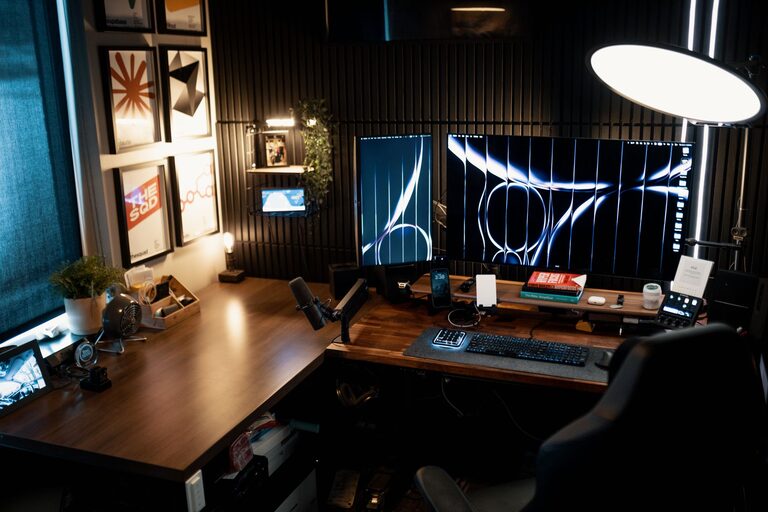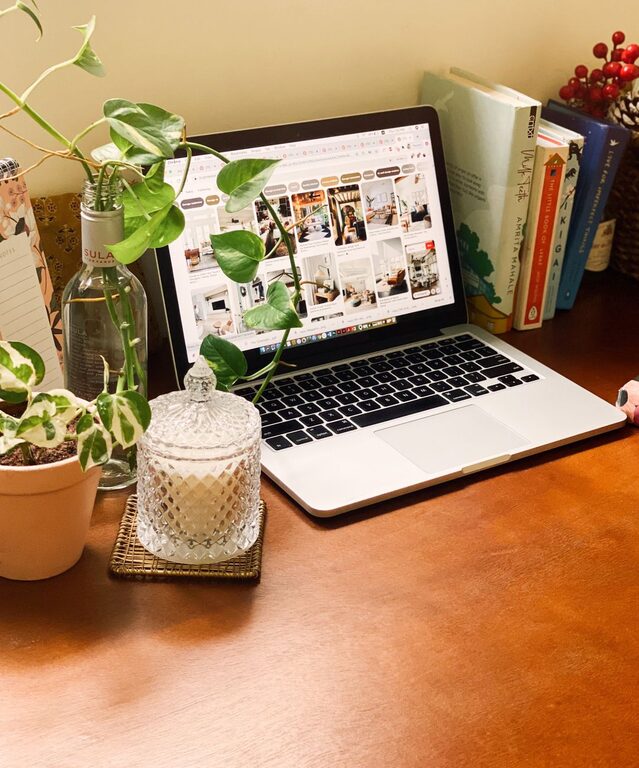
Creating a home office that is both comfortable and productive is essential, especially as more people embrace remote work or flexible schedules. Your workspace influences how focused and motivated you feel throughout the day. Whether you have a dedicated room or a small corner, making intentional choices can greatly improve your work experience. Below, we explore practical tips to help you design an ideal home office that works for you.
Choose the Right Location
Consider Natural Light
Position your desk near a window if possible. Natural light can improve mood and reduce eye strain. If natural light is limited, use soft, adjustable lighting to keep your space well-lit without glare.
Minimize Distractions
Select a quiet area away from high-traffic rooms. If that’s not feasible, use noise-cancelling headphones or white noise machines to help maintain focus.
Invest in Comfortable Furniture
Ergonomic Chair and Desk
Comfort should be a priority. Invest in an ergonomic chair that supports your back and promotes good posture. Pair it with a desk at the right height—your arms should rest comfortably while typing.
Adjustable Setup
Consider a sit-stand desk or add a monitor stand to align your screen at eye level. This helps reduce neck and back strain caused by poor positioning.
Organize for Efficiency
Declutter Regularly
Keep only what you need on your desk. A tidy environment helps clear mental space and reduce stress.
Use Storage Solutions
Shelves, filing cabinets, and desk organizers keep supplies and documents within reach but out of the way.
Cable Management
Use clips, sleeves, or boxes to manage cords. This reduces clutter and prevents tangles.
Personalize Your Space
Add Greenery
Plants improve air quality and bring a refreshing touch to your workspace. Choose low-maintenance varieties like succulents or pothos.
Choose Calming Colors
Soft, neutral colors or shades that inspire creativity can enhance mood and productivity.
Include Personal Touches
Items such as photos, artwork, or a favorite mug make the space inviting without overwhelming it.
Optimize Technology and Tools
Reliable Internet Connection
A strong and stable internet connection is vital. Consider an upgrade if your current setup slows you down.
Quality Equipment
Use a good keyboard, mouse, and monitor to reduce strain and improve workflow.
Backup Power Supply
Uninterruptible power supplies (UPS) can keep your devices running during outages, preventing work loss.
Establish Boundaries and Routine
Set Work Hours
Define your schedule clearly to balance work and personal time effectively.
Use Visual Cues
Close a door or place a “working” sign when you need to focus, signaling others to minimize interruptions.
Take Breaks
Incorporate short breaks to stretch, move, and rest your eyes. This can increase productivity throughout the day.
Maintain Comfort and Wellness
Control Temperature
Adjust heating or cooling to keep your workspace comfortable. Dress in layers to respond easily to temperature changes.
Proper Ventilation
Fresh air helps keep you alert. Use fans or open windows when possible.
Stay Hydrated and Nourished
Keep water and healthy snacks nearby to stay energized without interrupting your flow.
—
Creating a comfortable and productive home office doesn’t require a large budget or space. Thoughtful choices about location, furniture, organization, and ambiance can transform any area into a workspace you enjoy. By following these tips, you can build an environment that supports focus, creativity, and well-being.