Creating a cozy and functional home office is essential for anyone working remotely or managing tasks from home. A well-designed workspace can boost productivity, minimize distractions, and make your workday more pleasant. Whether you have a dedicated room or a small corner in your living area, there are simple ways to bring comfort and efficiency to your home office setup.
Choose the Right Location
Find a Quiet Spot
Select a part of your home with minimal noise and interruptions. This could be a spare bedroom, a nook near a window, or even a corner in the basement. The quieter the space, the easier it will be to concentrate and complete your work on time.
Consider Natural Light
Natural light is not only friendly to your eyes but also helps improve mood and energy levels. Position your desk near a window if possible. If natural light is limited, invest in good-quality, adjustable lighting to brighten your workspace without causing glare on your screen.
Invest in Comfortable Furniture
Ergonomic Chair
One of the most important pieces in your office is the chair. An ergonomic chair supports your back and encourages good posture, reducing strain during long working hours. Look for adjustable height, lumbar support, and comfortable padding.
Functional Desk
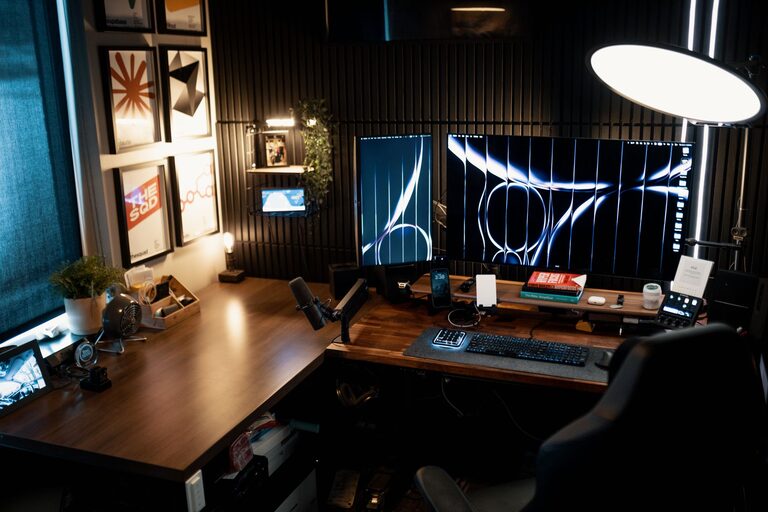
Choose a desk that fits your needs and available space. It should be large enough to hold your computer, paperwork, and accessories but not so big that it overwhelms the room. Desks with built-in storage or cable management features can keep your work area tidy.
Organize for Efficiency
Declutter Regularly
Keep only the essentials on your desk to maintain a clear and inviting workspace. Remove unnecessary items and create a habit of tidying up at the end of each day.
Use Storage Solutions
Shelves, drawers, and filing cabinets help organize documents and supplies. Vertical storage options maximize space without crowding the room. Label boxes or folders so you can find things quickly.
Cable Management
Tangling cords can add to visual clutter and make your space feel chaotic. Use cable clips, sleeves, or ties to keep wires neat and out of sight.
Personalize Your Space
Add Cozy Elements
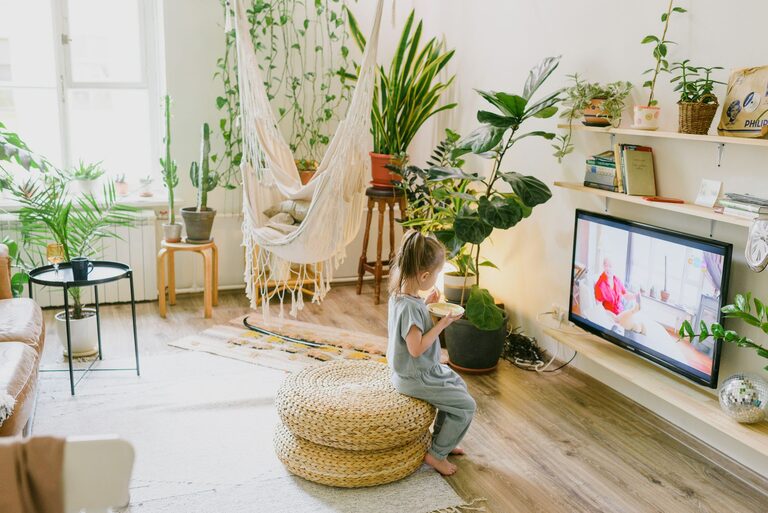
Incorporate soft textiles like a small rug, cushions, or a throw blanket to make your workspace feel warmer. These items not only enhance comfort but also add a welcoming touch.
Include Greenery
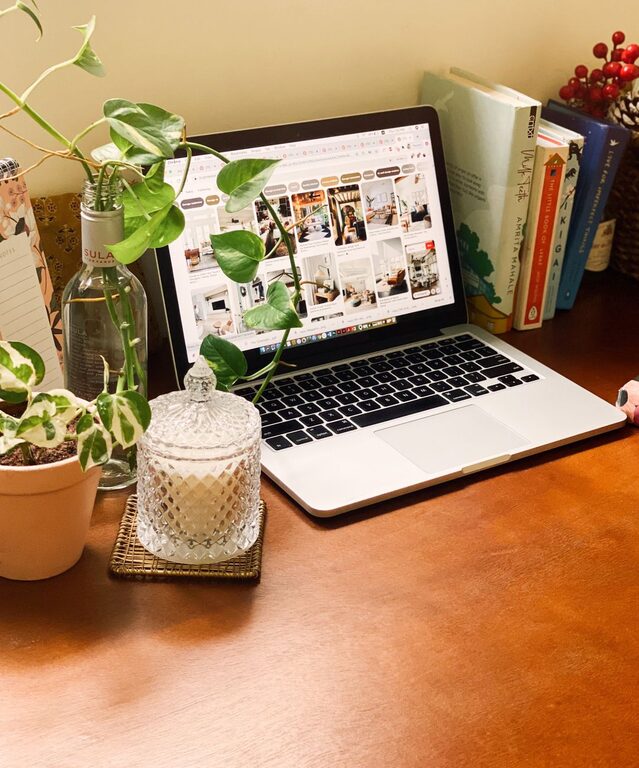
Plants can purify the air and bring a bit of nature indoors, positively impacting mood and concentration. Choose low-maintenance plants like succulents, snake plants, or pothos.
Display Inspiration
Decorate with items that motivate you. This could be artwork, photographs, or quotes that uplift your spirits and keep you focused.
Optimize Technology
Use Quality Equipment
A reliable computer, fast internet connection, and essential peripherals like a keyboard, mouse, and headphones contribute to smooth workflow and reduce frustration.
Monitor Placement
Position your computer screen at eye level to avoid neck strain. If you use a laptop, consider a stand or external monitor.
Backup and Security
Regularly back up your work and use security measures such as passwords and antivirus software to protect your data.
Maintain a Healthy Routine
Take Breaks
Set reminders to stand, stretch, or walk around every hour. This helps alleviate physical tension and refreshes your mind.
Hydrate and Snack Smart
Keep a water bottle and healthy snacks nearby to maintain energy without having to leave your workspace often.
Set Boundaries
Define your work hours clearly and communicate them to household members. This helps separate work time from personal time and reduces distractions.
—
Creating a cozy and functional home office is about balancing comfort with practicality. By thoughtfully designing your space and establishing good habits, you can make working from home a positive and productive experience. Whether your office area is large or small, these tips can help you turn it into a place where you enjoy spending your time.